Landing and the house, merged into one screen. The top of the scroll is what is next, roughly this week. Below it is the house itself, what has been kept for the whole house, and the vision. The dock drops to five tiles because Now is no longer a separate place. The build timeline lives only on Build health, and money is one card, the projected final cost, which Build health shows too.
With 69 answers waiting, Home shows the top three and a way to the rest. Order is whatever the build needs first, which leads as the hero, then dated answers, then whatever holds up the most other answers, then build order. Rows that would say the same sentence collapse into one, so six unstarted rooms are a single line. Frames A to E below now follow the same cap: three rows, no count, and See the whole order.
No counts anywhere. The card holds a dated answer, the one holding the most, and the unstarted rooms as one group. The ghost button opens 3b.
For the designer: the hero is whatever the build needs first. The card takes the next three by order (dated, then most dependents, then build order). Rows that would share a caption merge into one group row. Never show a total.
Behind See the whole order. The support line says plainly that this is not a to-do list, and one primary action starts the next answer. Runs are named by when they come up, not by what they are, so the order reads as a sequence.
For the designer: the first row of Next is always the hero on Home, and dated answers follow it. Runs carry no counts. Next holds at most three; everything later in the build is grouped by room.
Recording an answer lands here rather than back on the list. It says what was recorded, then offers exactly one next answer. Stopping is a real option and says where the next one will be.
For the designer: shown after any answer is recorded, from Home or from 3b. Next up is whatever is now first in the order. When nothing is left, this becomes the clear state with no Next up card. In A1 the utility row would already be gone.
The everyday screen, and it is live: the filter regroups the board, turning learning off under This house asks first, and the capture button under the wall opens its sheet. How the wall behaves, capture and the full list are in Kept Things. The next answer leads, then up to three more, as in 3a. The room board follows, and each room card reports only its own count, so the house no longer repeats the list above it.
Room for a growing family, in a house that fits how we live. Somewhere by the garage door to drop bags and shoes, so the mess stops at the door.
When the next answer belongs to a room with its own plate, the illustration replaces the placeholder, so the card at the top matches that room’s card on the board. It has a date, so the clock takes the phase slot.
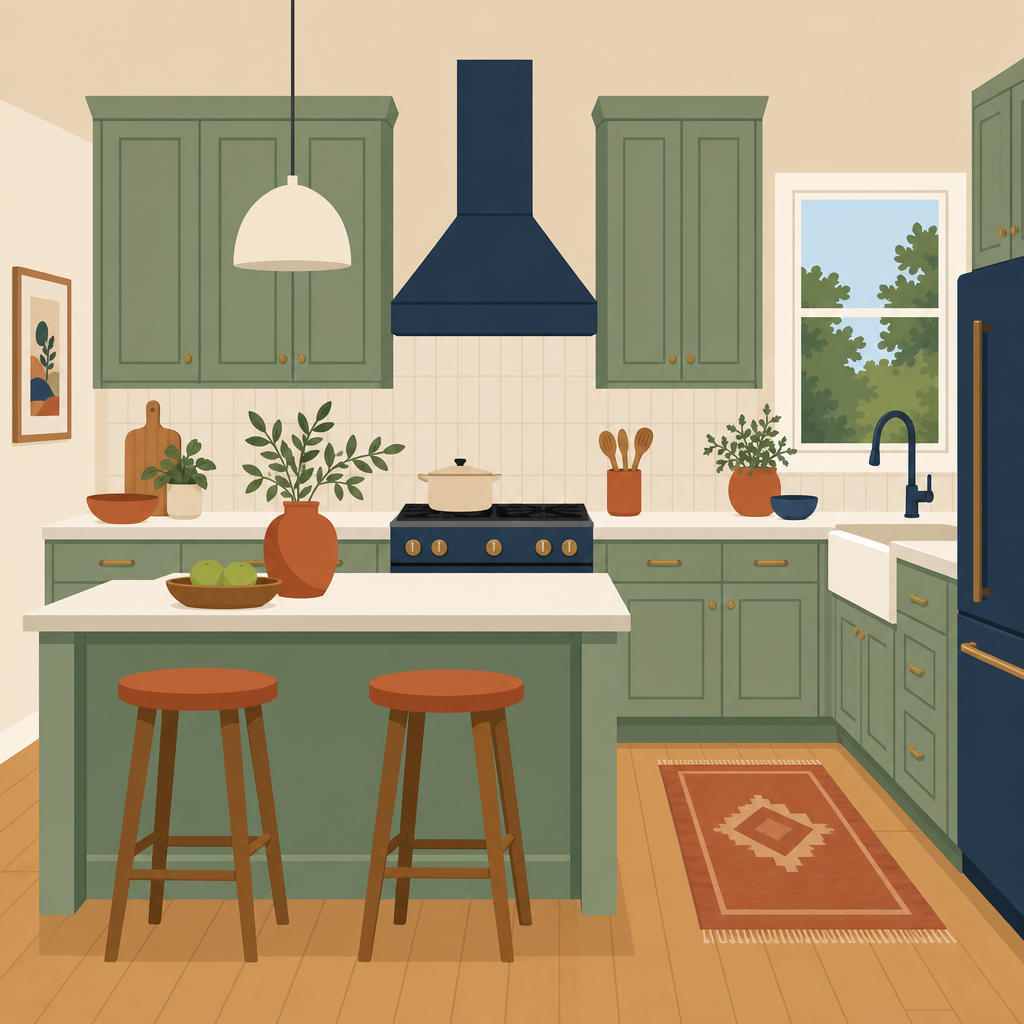
The next answer has a date, so the amber clock takes the phase slot and the card carries the day. Dated answers always lead the list; here the only one is the card itself.
No next answer, so no card and no plate. What sits with Dave moves up, and the house board is reached one block sooner. There is no primary action because the next move is not the homeowner’s.
The everyday screen in the dark appearance. The placeholder plate switches to its dark drawing; the room plates stay as they are.
The whole scroll on the desk canvas. What is next takes the first two-column row, the keeps and the vision share the second, and the room board runs full width at the end, unbounded. The rail carries five places, with The house selected.
Room for a growing family, in a house that fits how we live. Somewhere by the garage door to drop bags and shoes, so the mess stops at the door.
With no next answer, the first row pairs what sits with Dave with the keeps that have no room. Those keeps are the one loose end still in the homeowner’s hands, so they move up rather than leaving an empty column.
Room for a growing family, in a house that fits how we live. Somewhere by the garage door to drop bags and shoes, so the mess stops at the door.
Everything Home opens without leaving it. The phase pill opens S1 and the bell opens S2. Everything the keeps wall opens is specified in Kept Things.
The pill opens the system’s one overlay — bottom-anchored on a phone, side-anchored from the tablet rung up, so the desktop version is this content in the same component. It reads in the order a homeowner asks, and has no footer action because reading it is the job.
Dated reports live behind the app-bar action rather than loose on the page. Grouped by day, each with its source, green settled markers throughout — every line is something already true, and none of it is work.
From Your vision in This house. The card shows the paragraph; this sheet shows the lines it is written from, which are what you change. One answer, so the action pins and says what it saves. Save rewrites the paragraph from the lines; it is never edited by hand. The lines start as what was kept at setup (Onboarding 2ab). Removing every line leaves the card as S4.
The story was skipped at setup, or every line was removed in S3. Unstarted takes the card's slot because it waits on the homeowner: centred, one action. Answer two questions asks what matters most and what would rule something out, then returns here with the paragraph written. Engineering: both are published library questions, lifestyle_priorities and dealbreakers in space_questions/onboarding.json, so the app can ask for them through the same story extraction that Onboarding 2ab uses.
The same screen for a house on day one and for a semi-custom house, plus the record behind the “decided before you” card.
Day one, before anybody has been interviewed about the house. Same screen with day-one content: the house interview is named as the place to start, because your household and budget shape the guesses in every room. The room cards carry no captions, because the support line already says once why it is empty and what fills it. In from onboarding Done (2n). Start with the house opens the house interview; a room card before it opens Start with the house?
A semi-custom house, where the builder settled the structure before there was a buyer. Home opens on the three things that are the homeowner’s, and what was decided before them sits behind one card at the end, with a line saying why it is safe to ignore.
Behind the card in 2b, and two different nothings kept apart. The first run is decisions with answers, from the plan set — a record, not a list of things to do. The second is decisions the house answered in concrete before anyone was watching: past tense, about the house, and optional always. Merging them would produce a set of blanks presented as a backlog. The last line names what is absent, because absence is invisible by construction.
The phase marks and the mark beside the pill. The phase tweak changes the pill on every frame above.
One mark per phase, pigment throughout, shown in the pill. Structure uses the design system’s own hammer; the other five have no glyph in the set, so they are drawn in its language — 24px box, 1.8 stroke, round caps — and want a designer’s pass before they ship. No seasonal variants: a mark that changes with the weather makes the same screen look different for a reason the homeowner cannot name.
One slot, three readings, and it reports on the phase rather than on the screen. The slot never disappears, so the phase line always answers “how is this phase doing” before the hero says what to do about it.
The checklist is a sketch in the system’s stroke language; the set has no list glyph.